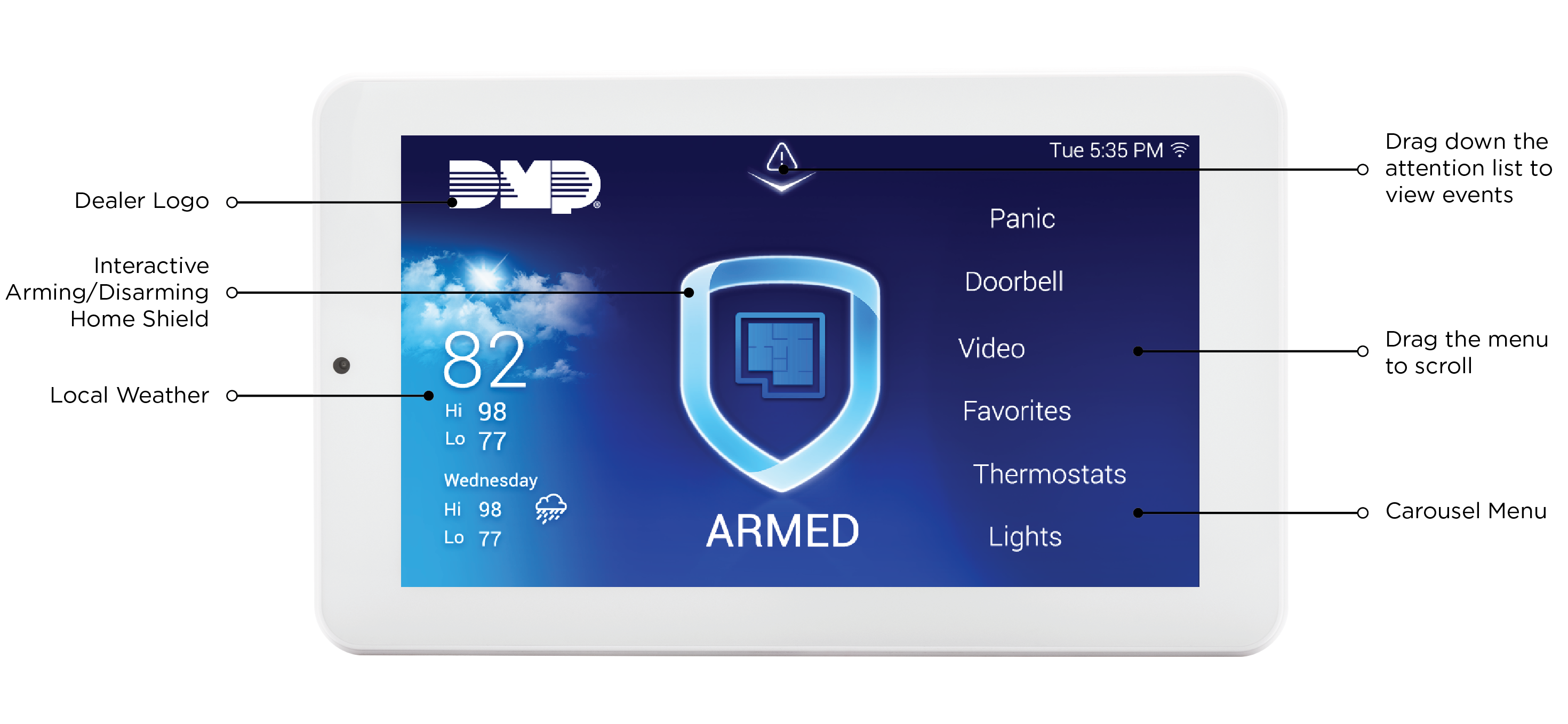

8860POE 7-Inch Touchscreen Keypads offer an easy-to-use touchscreen interface with an on-board camera, optional panic keys, an internal speaker, and other features. Keypads can be mounted on a flat surface with appropriate fasteners.
Choose How to Communicate
The 8860POE can communicate with the panel through Network Connection (Wi-Fi or Hardwired) or the Keypad Bus.
Network
Wi-Fi
To install and program using network connection, begin at Network (Wi-Fi) Connection Instructions.
Hardwired
To install and program using network connection, begin at Network (Hardwired) Connection Instructions.
Keypad Bus
To install and program using the keypad bus, begin at Keypad Bus Connection Instructions.
What’s Included
-
One 8860POE 7-Inch Touchscreen Keypad
-
One 8860-POE-ADAPTOR Ethernet Adaptor
-
Hardware pack
What You’ll Need
-
7/64” (2.5mm) drill bit for drywall mounting
-
1/4” (6 mm) drill bit for masonry mounting
-
#2 Phillips screwdriver
Keypad Layout