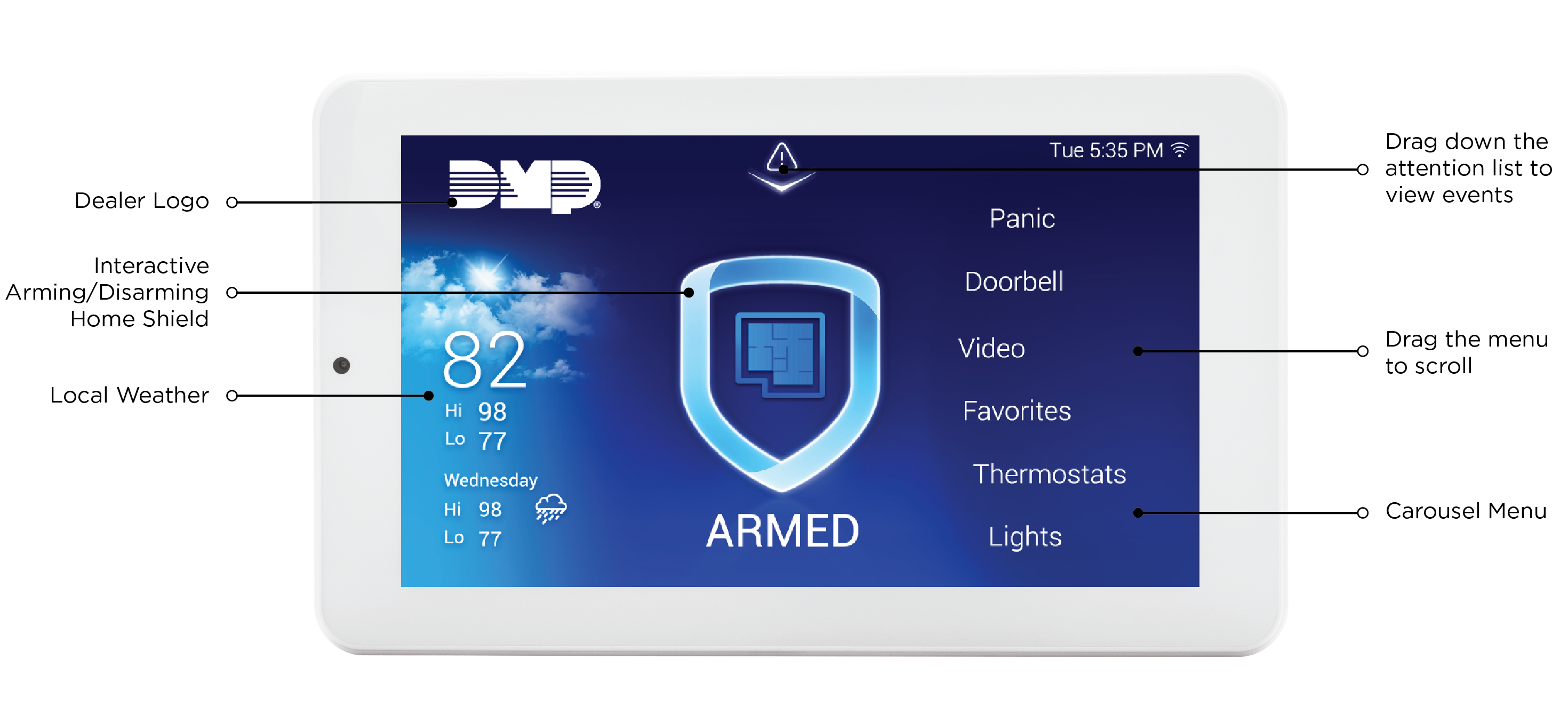

8860 7-Inch Touchscreen Keypads offer an easy-to-use touchscreen interface with an on-board camera, optional panic keys, an internal speaker, and other features. Keypads can be mounted on a flat surface with appropriate fasteners.
Choose How to Communicate
The 8860 can communicate with the panel through Network (Wi-Fi) Connection or the Keypad Bus.
Network (Wi-Fi)
To install and program using network connection, begin at Network (Wi-Fi) Connection Instructions.
Keypad Bus
To install and program using the keypad bus, begin at Keypad Bus Connection Instructions.
What’s Included
-
One 8860 7-Inch Touchscreen Keypad
-
Hardware pack
What You’ll Need
-
7/64” (2.5mm) drill bit for drywall mounting
-
1/4” (6 mm) drill bit for masonry mounting
-
#2 Phillips screwdriver
Keypad Layout